CAVE Simulation
Immersive virtual reality simulation for a CAVE environment.
A browser-based simulation of a CAVE (Cave Automatic Virtual Environment). The simulation computes, for a given head/eye position, the correct off-axis (asymmetric) perspective projection needed to render the 3D scene onto each wall so it looks geometrically consistent from that viewpoint (same principle real CAVE systems use).
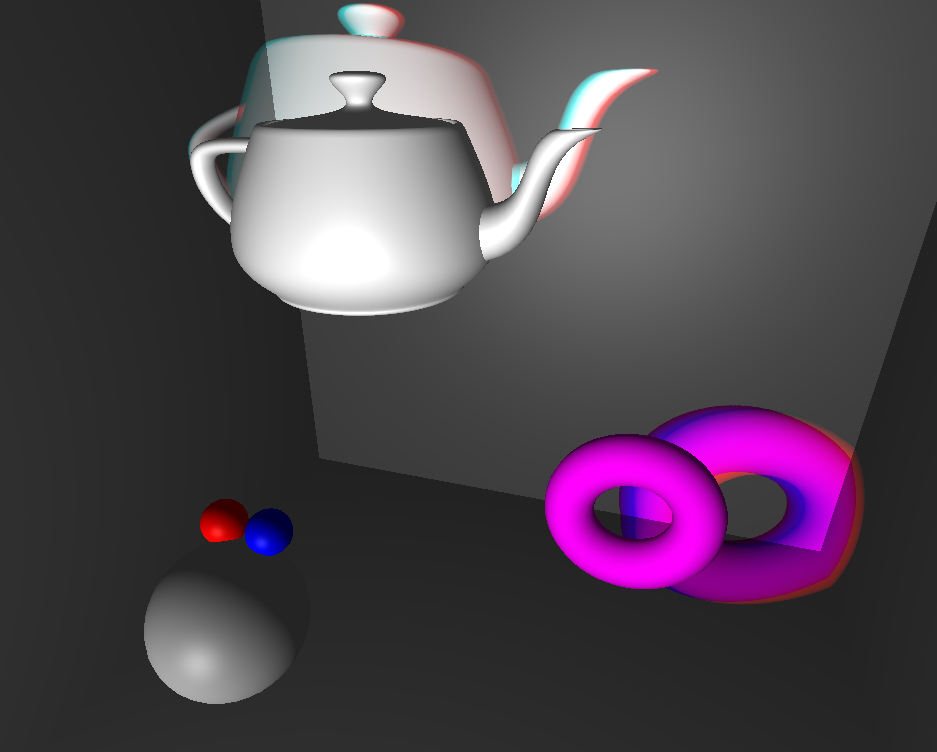
Controls
| Key | Action |
|---|---|
| Drag | Move the head or any object in the scene |
L / R |
Snap the free camera to the left / right eye position |
S |
Toggle the main scene on/off |
W |
Toggle frustum debug visualization |
Q / E |
Toggle left / right eye frustum |
1 2 3 4 |
Toggle front / left / right / floor frustum |
↑ ↓ |
Increase / decrease near plane (zNear) |
← → |
Increase / decrease far plane (zFar) |
T / P |
Log view / projection matrices to the console |
Screenshots
Frustum debug (W): theoretical frustum lines for one or both eyes (configurable) drawn from the head towards the walls, showing how the off-axis frustum skews with head position.
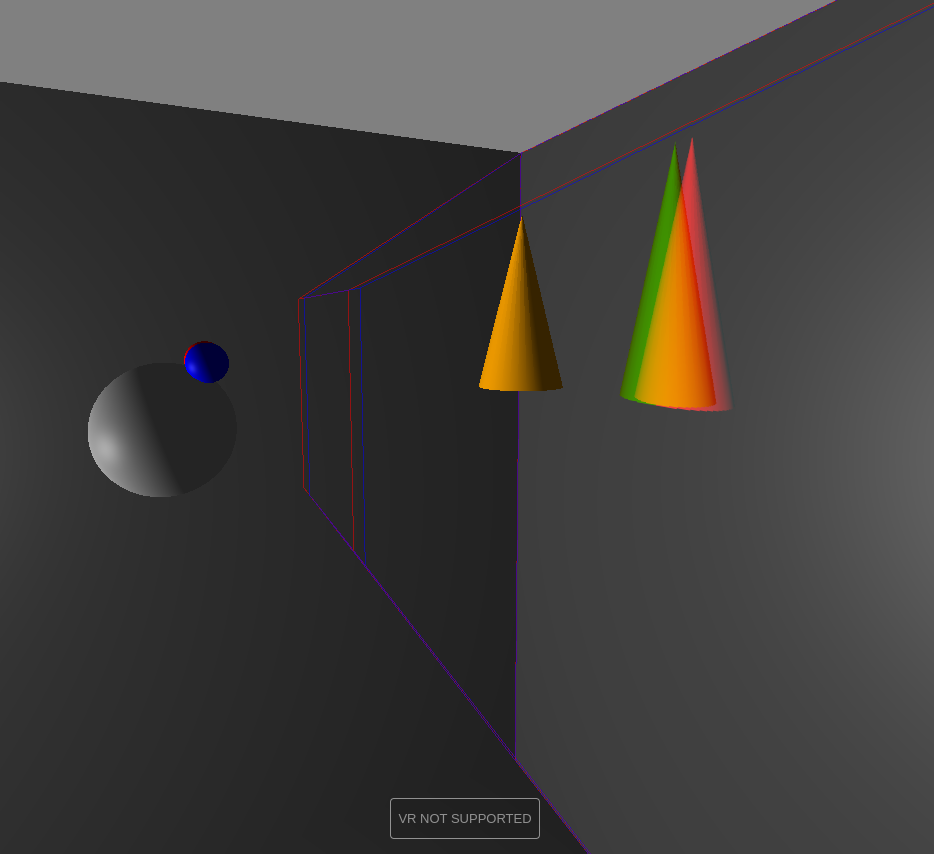
Movable objects: every object in the scene can be moved around, so you can see how each one affects the projection.
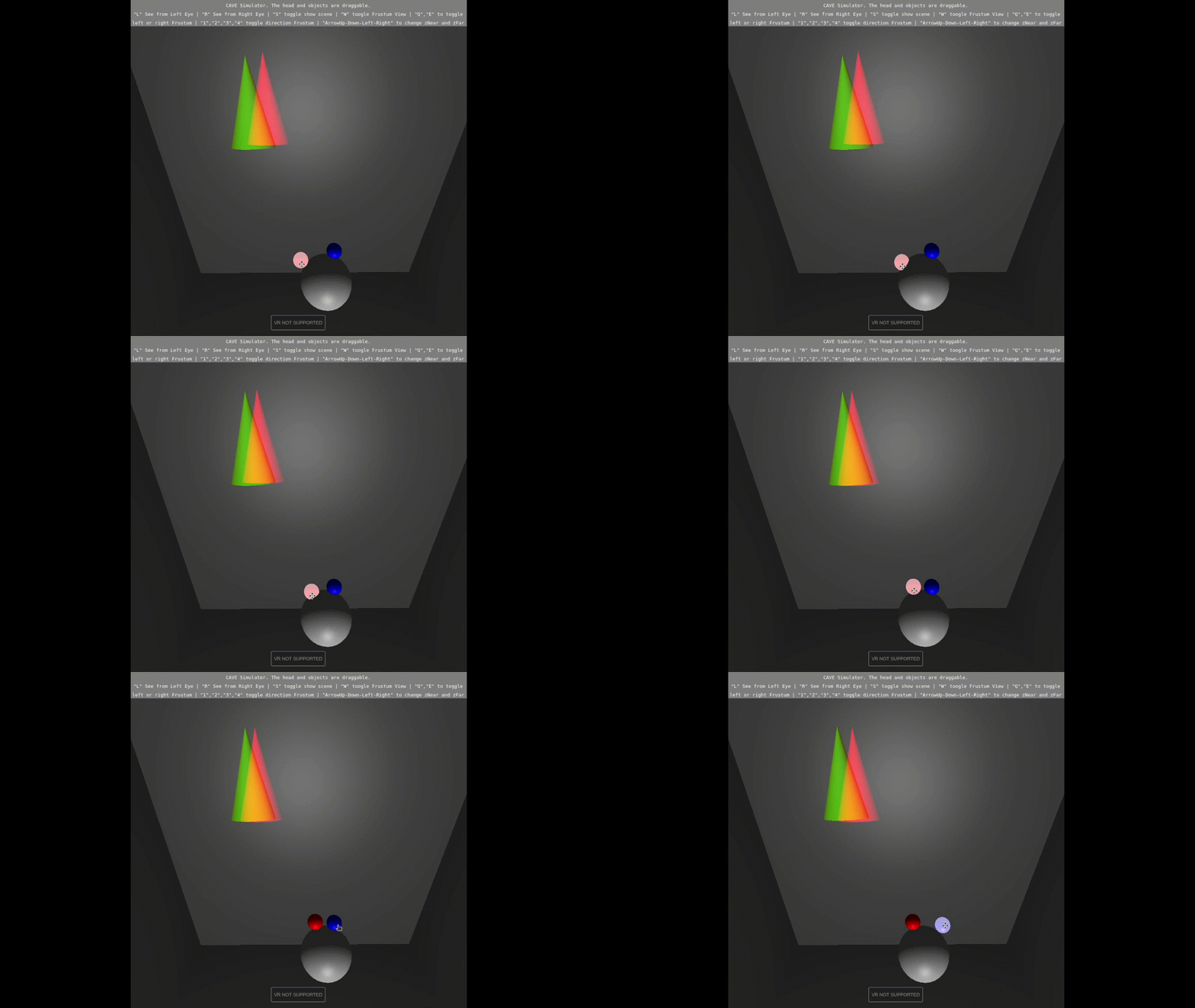
How it works
- A head (with a left and right eye, offset by an interpupillary distance) can be dragged around the scene.
- Each wall is defined by an origin point and two edge vectors (
u,v). From the eye position and a wall’s geometry, the simulation derives:- A view matrix looking from the eye towards that wall.
- An off-axis projection matrix, whose frustum is skewed based on where the eye is relative to the wall (not just how far away it is). This is what makes the projected image line up correctly as the head moves.
- The scene is rendered once per wall into a texture from each eye’s perspective (using different colors as channels), and that texture is displayed on the corresponding wall.
- A set of debug tools lets you visualize the theoretical frustum for each eye/wall and inspect the underlying matrices live.
Notes
Requires WebGL. The VR button will report “VR not supported” on a regular desktop browser (this is expected).
Made for the Virtual and Augmented Reality course (MIRI, Facultat d’Informàtica de Barcelona, UPC).